Y1 Customer Service Chat

Description
How to Get Help Fast and Stay Safe
If you are stuck on a login error, a missing OTP, or a delayed payment, the fastest fix is usually Y1 customer service chat. Instead of waiting on email or searching through forums, you can describe the problem to the support team inside the app and get guided help.
There is one catch. Many players do not know where the chat option is, what to write in the first message, or how to tell real support from a scam account. This guide covers all three.
Below, you will learn how to open Y1 customer service chat, which problems it can solve, how to get a faster reply, and how to stay safe while doing it.
What Is Y1 Customer Service Chat?
Y1 customer service chat is the live support channel that lets users message the Y1 support team from the app or the official website. It works like any online helpdesk: you type your issue, an agent reads it, and you get a reply in the same window.
Compared with email, chat is quicker for urgent problems such as a failed login or a stuck payment, because you can send follow-up details and screenshots in one thread. Support hours, response times and languages can change, so treat any “24/7” claim you see online as unconfirmed until the app itself says so.
How to Open Y1 Customer Service Chat

Menu names differ between app versions, but these steps work for most users.
- Open the official Y1 app, or the official Y1 website you registered on.
- Log in if you can. Chat linked to your account helps the agent check your details faster.
- Tap the profile or settings icon, then look for Customer Service, Help, Support or a headset icon.
- Choose the online chat or live chat option.
- Pick the topic closest to your problem, if the app asks you to.
- Type a clear first message (see the tips below) and wait for the agent to reply.
If you cannot log in at all, look for a “Help” or “Contact us” link on the login screen. If you see no support option inside the app, update the app and check again.
Table of Contents
Problems Y1 Support Chat Can Help With
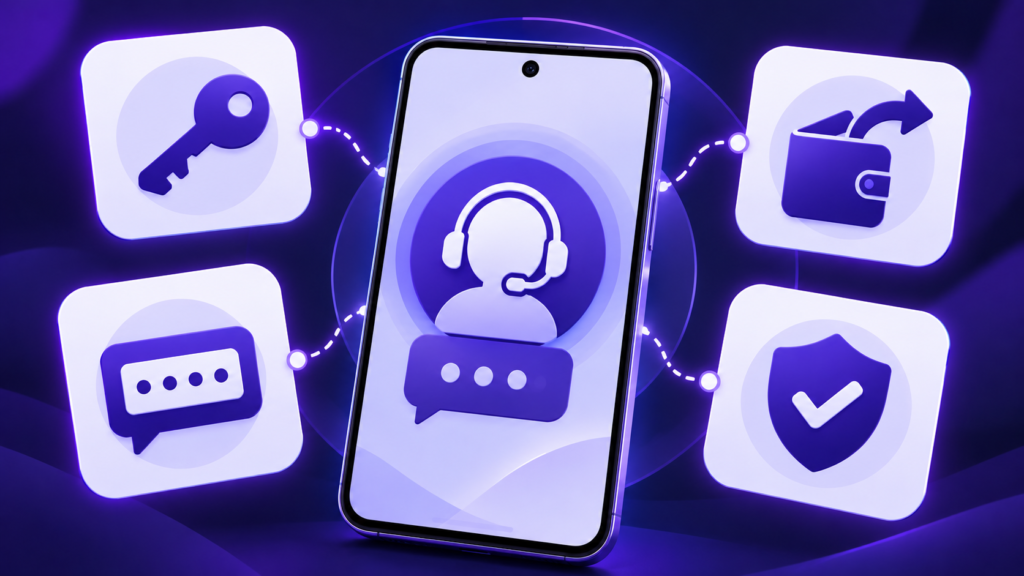
Most chat conversations fall into a few groups:
- Login and OTP problems: codes that arrive late, password resets, and accounts that will not open.
- Payments and withdrawals: delayed credits, failed transactions, or a withdrawal that still shows as pending.
- Account verification (KYC): document rejections, name mismatches, and unclear status messages.
- App errors: crashes after an update, blank screens, or slow loading.
- Account settings: changing details, closing an account, or questions about offers shown to you.
Support can only help with what the platform controls. If your bank is delaying a payment, for example, the agent may ask for a transaction reference so both sides can trace it.
Tips to Get a Faster Reply

A clear first message saves several rounds of back-and-forth. Include:
- Your registered username or user ID (never your password).
- A one-line summary, such as “Withdrawal pending for 48 hours.”
- The date, time and amount of any payment, plus the transaction ID.
- A screenshot of the error or payment confirmation.
- Your device model and app version, if the issue is an app error.
Stay in one chat thread instead of opening several, since duplicates can slow things down. Keep the chat history or screenshots until the issue is fully resolved. Stay polite too: a calm, specific message usually gets a quicker answer than an angry one.
Beware of Fake Y1 Support
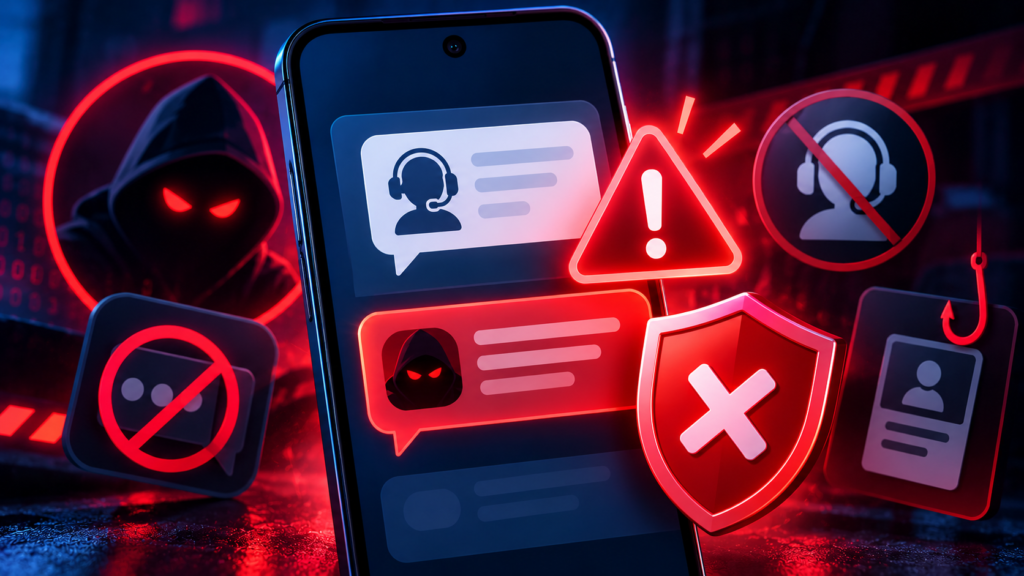
Searching online for Y1 customer service chat can lead to look-alike pages, random WhatsApp numbers and Telegram “agents” who offer instant help. Treat these as red flags:
- Anyone who asks for your OTP, password, PIN or card details. Genuine support does not need them.
- A stranger who messages you first and offers to “fix” your account.
- Requests to pay a “release fee” or “verification fee” to unlock a withdrawal.
- Links that ask you to install a separate app or allow remote access to your phone.
Use only the support option inside the official app or on the website you registered on, and check the web address before you log in. If something feels wrong, stop the chat and report it through the official channel.
Responsible Gaming and Age Notice
Online gaming apps like Y1 are for adults only: you should be 18 or older to use them. Rules for online games differ across India, and some states restrict certain online games, so check the law where you live before you play.
Set a daily time and budget limit, avoid playing to recover losses, and take a break if gaming stops being fun. If it feels hard to stop, talk to someone you trust or a professional counselling service.
This article is an independent guide. It is not affiliated with Y1 and is not official support.
Frequently Asked Questions
How do I contact Y1 customer service chat?
Open the official Y1 app, go to the profile or settings area, choose Customer Service or Help, and start the online chat.
Is Y1 customer service chat available 24/7?
Availability can change, so check the support screen in the app for current hours. If no agent is online, leave a clear message and wait for a reply.
What should I send for a pending withdrawal?
Share your user ID, the withdrawal amount, the date and time, the transaction ID, and a screenshot of the status.
How can I tell if a Y1 support agent is fake?
Real support does not ask for your OTP or password. A demand for a fee to release your money is a classic scam sign. Use only the in-app chat.
Conclusion
Y1 customer service chat is the quickest way to get help with login problems, payments, verification and app errors, as long as you open it from the official app and send a clear first message. Keep your OTP and password private, ignore unofficial agents, and play responsibly. With these steps, most issues can be sorted out without stress
What's new
Y1 customer service chat is the live support channel that lets users message the Y1 support team from the app or the official website. It works like any online helpdesk: you type your issue, an agent reads it, and you get a reply in the same window. Compared with email, chat is quicker for urgent problems such as a failed login or a stuck payment, because you can send follow-up details and screenshots in one thread. Support hours, response times and languages can change, so treat any "24/7" claim you see online as unconfirmed until the app itself says so.
Images