Y1 Game Login iOS APK

Description
The Ultimate Guide to Y1 Game: iOS Compatibility
Welcome to the comprehensive guide on Y1 Game, a rising star in the mobile gaming landscape. Known for its engaging competitive formats, rapid gameplay, and integrated real-money wallet features, Y1 Game has captured the attention of mobile gamers globally. However, navigating the installation and login process can be a bit perplexing—especially for users trying to decipher the “Y1 Game login iOS APK” conundrum. In this professional guide, we will break down everything you need to know: from securely downloading the Android APK to managing your login, addressing iOS compatibility, and safeguarding your account. Whether you are a newcomer or a seasoned player running into OTP issues, this article provides all the essential details to elevate your gaming experience safely.

Understanding Y1 Game and Its Core Features
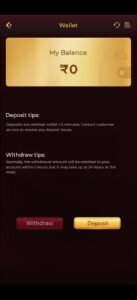
Before diving into the technicalities of downloads and logins, it is crucial to understand what Y1 Game offers. Y1 Game operates as a mobile-first gaming platform that consolidates various short-format, competitive games into a single, intuitive application. Unlike traditional standalone games, Y1 acts as a centralized hub where players can enjoy a diverse catalog without needing to download multiple apps.
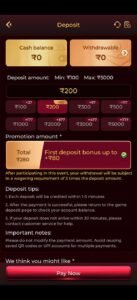
One of the platform’s standout features is its integrated wallet system, which cleanly separates standard gameplay deposits, promotional credits, and withdrawable funds. Players are drawn to its streamlined user interface, daily check-in rewards, referral bonuses, and quick-match systems. However, because Y1 Game involves real-money mechanics, it generally operates outside the standard Google Play Store ecosystem, necessitating direct package downloads and manual installations.
Table of Contents
The “Y1 Game iOS APK” Myth: Can You Play on iPhone?
A frequent search term among mobile gaming enthusiasts is “Y1 Game login iOS APK.” To set the record straight: an APK (Android Package Kit) is a file format specifically engineered for the Android operating system. It is structurally incompatible with Apple’s iOS. Therefore, a true “iOS APK” does not exist, and any website claiming to offer a “Y1 Game APK download for iPhone” is likely hosting deceptive adware, phishing scams, or malicious software.
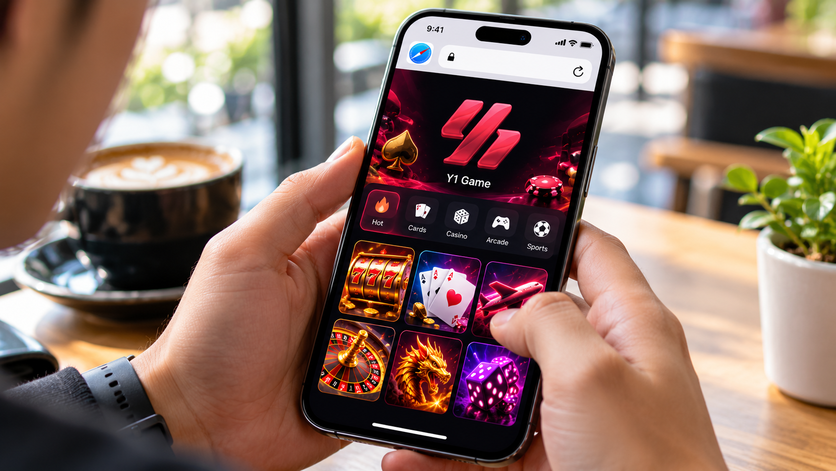
So, how can iPhone or iPad users access Y1 Game? Since Apple’s closed ecosystem strictly prohibits sideloading apps without unauthorized device modifications, official standalone iOS applications for real-money gaming platforms like Y1 Game are rarely available. Instead, iOS users typically access the platform through its HTML5 web version. By navigating to the official Y1 Game portal via Safari or Google Chrome on an iOS device, players can register, log in, and experience the games directly in their mobile browser. For a native app experience, you can use the “Add to Home Screen” feature on Safari to create a web app shortcut on your iPhone, providing immediate access without compromising your device’s security.
Y1 Game APK Download Guide for Android Users
For Android users, installing Y1 Game requires sideloading the official APK file. Here is the safest and most efficient step-by-step method to install the Y1 Game APK:
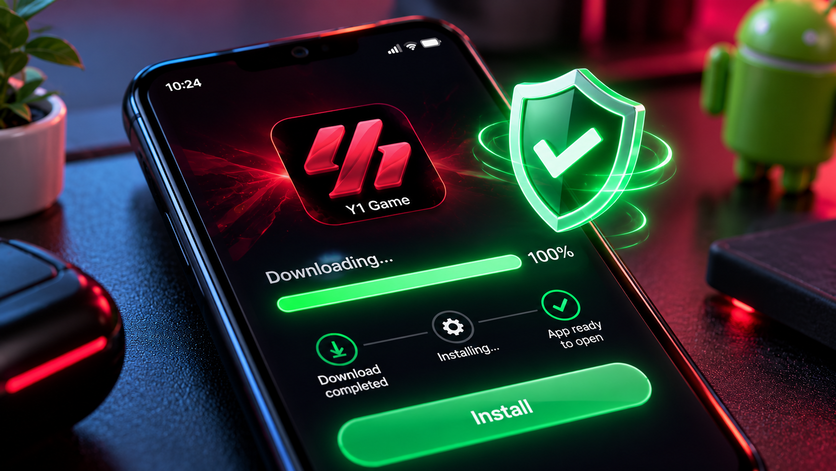
- Source the Official File: Always download the APK from the official Y1 Game website or a verified affiliate portal. Avoid random third-party forums or WhatsApp forwards, as these files are frequently tampered with to steal login credentials.
- Enable Unknown Sources: Before installing, your Android device (must be Android 5.0 or newer) needs permission to install apps from outside the Play Store. Go to your device’s Settings > Apps > Special app access > Install unknown apps, and toggle the switch for the web browser you are using (e.g., Google Chrome).
- Download and Install: Tap the download link on the official site and wait for the download to reach 100%. Once completed, tap the file in your notification shade or your “Downloads” folder, and confirm the installation.
- Clean Up and Secure: After a successful installation, you can safely delete the APK installer file to free up storage space. Crucially, return to your settings and disable the “Install unknown apps” permission for your browser to maintain long-term device security.
Y1 Game Login Guide: Step-by-Step Registration and Sign-In
Accessing your Y1 Game dashboard is designed to be swift, typically taking under forty seconds when functioning correctly. The platform utilizes a secure mobile number and OTP (One-Time Password) system to verify player identities.
How to Register and Log In
- Launch the App: Open the newly installed Y1 Game Android application or navigate to the web version on iOS. You will be greeted by the sign-in portal.
- Enter Your Credentials: Input your active mobile number or user ID. If you are a new player, select the “Register” option to create an account using a phone number you can permanently control.
- Request and Enter the OTP: Tap the button to request an SMS code. A verification code will be sent to your mobile device. Type this code into the designated field to confirm your identity.
- Set a Password: For faster future logins, ensure you set a unique, strong password that you do not reuse on other financial or gaming sites.
- Access the Dashboard: Hit “Login” to instantly unlock the game lobby, promotional offers panel, and your wallet settings.
Troubleshooting Common Login Issues
- Delayed OTPs: If the SMS code does not arrive immediately, do not repeatedly tap “Resend.” Spamming the button triggers an automated temporary lockout. Wait for the code to expire before requesting a new one, and verify that your network provider is not blocking automated messages.
- Autofill Errors: Frequently, a phone’s built-in password manager will paste an outdated password or add an invisible trailing space. If you face repeated rejections, type your credentials manually.
- Network Glitches: If the login screen fails to load entirely, it is likely a network issue. Switch from Wi-Fi to cellular data, disable any active VPNs, and ensure your device’s date and time settings are set to automatic.
Security Protocols and Responsible Gaming
Given that Y1 Game incorporates financial wallets, treating your account with the same security rigor as a banking application is paramount. Never share your OTP or password with anyone, including individuals claiming to be Y1 Game support staff. Ensure you log out if you are playing on a shared device and avoid logging in while connected to public, unsecured Wi-Fi networks.
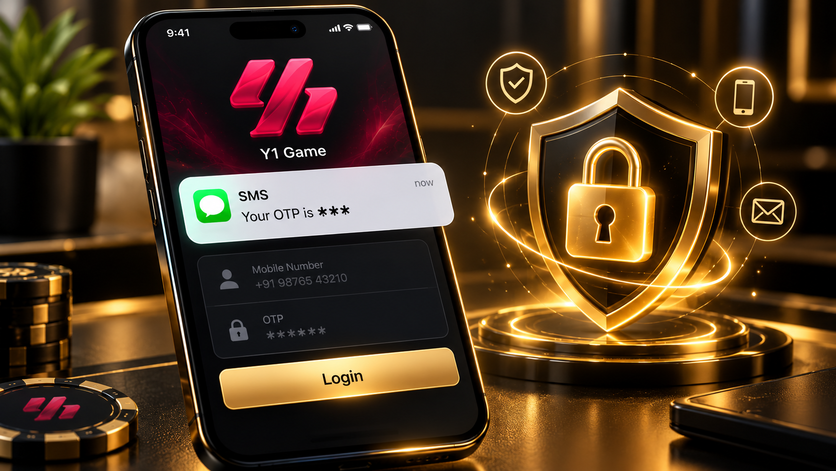
Furthermore, practice responsible gaming. Set strict, affordable spending limits before you initiate any deposits and treat the games purely as entertainment. If you find yourself attempting to recover losses by increasing your stakes, utilize the platform’s cooling-off features or seek assistance from responsible gaming organizations.
Frequently Asked Questions (FAQ)
Q: Can I install the Y1 Game APK on my iPhone or iPad? A: No. APK files are strictly built for Android devices and cannot be installed on iOS. iPhone and iPad users should access Y1 Game through their mobile web browser (like Safari) to play directly via the HTML5 platform.
Q: Why am I not receiving my Y1 Game login OTP? A: Delayed OTPs are usually caused by network carrier delays, full SMS inboxes, or spamming the “Resend” button, which causes a temporary account lock. Wait for the timer to expire, ensure your phone has network reception, and try again manually.
Q: Is it safe to download the Y1 Game APK? A: Yes, provided you download the APK directly from the official Y1 Game website or verified referral sources. Avoid downloading files from unverified third-party forums or messaging apps to protect yourself from modified, malicious files.
Q: How do I recover a locked Y1 Game account?A: If multiple failed login attempts have temporarily locked your account, wait out the stated lockout period before utilizing the in-app recovery link. Never register a secondary account with the same phone number to bypass a lock, as this complicates the account recovery process.
Conclusion
Y1 Game offers a thrilling, fast-paced mobile gaming ecosystem, provided you navigate its installation and login processes correctly. By understanding that “iOS APKs” do not exist and utilizing the HTML5 web browser for Apple devices, while securely sideloading the authentic APK on Android, you can guarantee a seamless gameplay experience. Always prioritize your account security, safeguard your OTPs, and embrace responsible gaming habits to make the most out of the Y1 Game platform.
What's new
A frequent search term among mobile gaming enthusiasts is "Y1 Game login iOS APK." To set the record straight: an APK (Android Package Kit) is a file format specifically engineered for the Android operating system. It is structurally incompatible with Apple’s iOS. Therefore, a true "iOS APK" does not exist, and any website claiming to offer a "Y1 Game APK download for iPhone" is likely hosting deceptive adware, phishing scams, or malicious software.
Images